

Master Rummy offers recharge and paid purchases, but no cash withdrawals or cash rewards. If a purchase or account issue arises, keep the relevant record and contact the support address published on this website. Do not pay again merely to test whether the first transaction worked.
Keep your order details close so you can explain what happened without starting from memory. Check the current purchase information and the terms shown for your transaction; support can help clarify account-specific questions and the next steps for your enquiry. The diagrams below are explanatory illustrations, not checkout or account screenshots.
Before paying: identify four things
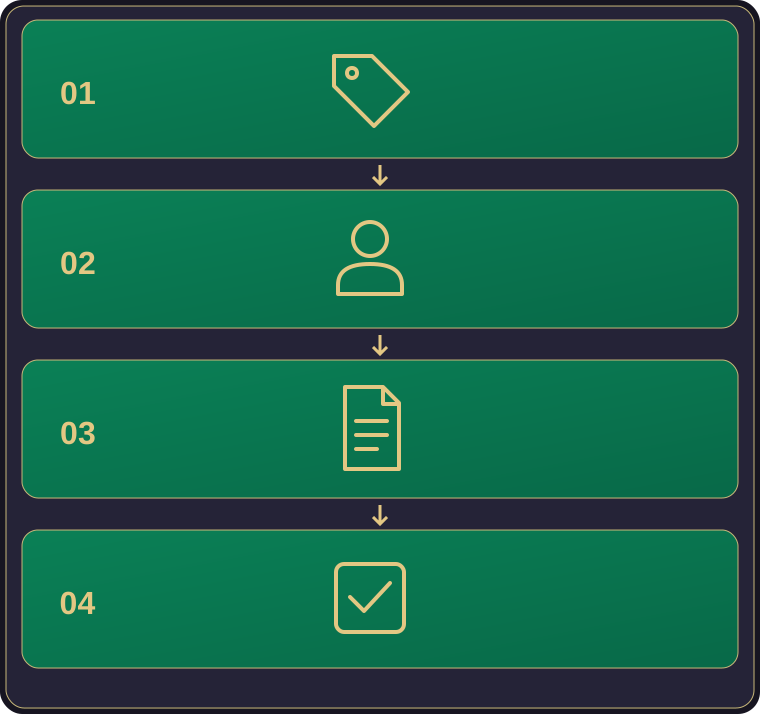
- The item: what is included, how much it costs, and the currency shown. Do not infer extra benefits from a promotional image.
- The intended account: which account or profile is being used for this purchase. Check it before confirming, especially on a shared device.
- The conditions: any displayed limits, validity or recurring-payment wording, and the purchase channel's refund information.
- Your decision: pause if any of the above is unclear. A checkout should not be a guessing exercise.
A paid item is not a promise of money back through play. Do not buy on the assumption that a game balance can later be withdrawn. For the product model in one place, read recharge and paid purchases.
Charged, but the item is not visible?
First separate what you know from what you suspect. “The receipt says completed, but I cannot see the item” is different from “the payment screen closed before showing a result”. Check the status and account information available in the records you already have. A debit entry is part of the payment record; it does not by itself confirm that the item reached the intended app account.
Keep the original confirmation and the exact time of the attempt. Include the time zone rather than sending “yesterday evening”; Indian Standard Time is UTC+05:30. If your record uses another zone, keep that label instead of guessing a conversion.
Avoid repeated payments while the first result is unclear. Contact the actual purchase channel and Master Rummy support to ask what applies to that transaction. Include the order status and what you see in the app, not just a screenshot of the debit.
Build a small evidence pack—not a data dump
The official website lists masterrummyx@gmail.com. Use the support page to verify the address before sending records. Include only what helps identify the issue:
- The item or purchase description exactly as shown.
- Date, time, time zone, amount and currency.
- The purchase channel actually used—not a guessed provider.
- An order reference or redacted confirmation, if available.
- What you expected, what happened, and any exact error message.
- A non-secret account identifier if one is displayed and relevant.
Never send complete card details, passwords, PINs or verification codes. Hide unrelated transactions and private notifications in screenshots. Do not send identity documents just because a stranger claims they are required; ask the verified contact to explain any appropriate verification method first.
A concise message can follow this pattern: “I attempted [item] on [date and time zone] through [channel]. The record shows [status]; the app shows [what you see]. Reference: [reference, if available]. Please confirm which process applies. I have attached a redacted record.” Replace the placeholders with observed facts, and leave unknown fields marked unknown.
What if I cannot access the account?
Tell support what still works: whether the app opens, whether a specific sign-in step fails, and the exact error. Describe the device and whether access changed after an update or device change. Do not send a password or one-time code as proof of ownership.
Ask verified support which information and verification steps apply to your account-access problem. Keep any relevant receipt as a transaction record, but do not assume that a receipt alone will restore access. Before uninstalling or clearing app data, ask whether it could affect access or locally stored progress.
For a problem that occurs before the app opens, use the installation checks and troubleshooting guide instead.
How should I ask about a refund?
Identify the transaction and ask the actual purchase channel and support which process, eligibility and time limit apply. Check the terms for that purchase instead of relying on a deadline quoted for another channel. Do not assume either automatic approval or a blanket no-refunds rule; ask for the conditions that apply to your case.
A refund enquiry concerns a particular purchase; it is not the same as cashing out a game balance. Master Rummy does not offer cash withdrawals or cash rewards. Keep these two questions separate so the support request can be understood correctly.
Follow up without restarting the story
Keep your original message and any reply. When you have new evidence, add the new fact and the earlier reference rather than sending several contradictory versions. There is no guaranteed response time published on the website. Keep the same enquiry together so any reply can be matched to the right records.
While waiting, avoid acting on unsolicited messages that ask for secret codes or a further payment to “unlock” a response. Return to the website's verified contact. Clear records help an enquiry; they do not guarantee a particular resolution.